
The pain
Priya Raman joined Aldervane's automation team the month the old ENGAGE suite
was switched off. Its last report is still in the wiki: 212 WebDriver tests,
sleep(5) in 140 of them, and a helper called clickWhenReady that nobody could
explain. Two things had ruined it, and neither was the thing people complained
about.
Timing. A classic WebDriver script issues commands over HTTP and gets one
answer per command. It cannot know whether the button it just found is still
attached to the DOM a millisecond later. So teams paper over the gap: sleep(2),
then sleep(5) when CI is slower, then a retry loop. The suite becomes slow and
still flaky — both of the costs you were trading between.
Overhead. Every browser needs its own driver binary on its own release schedule. Tom Achebe, who owns the CI pipeline, remembers the Tuesday a Chrome auto-update on the build agent turned the whole ENGAGE run red for reasons that had nothing to do with the product.
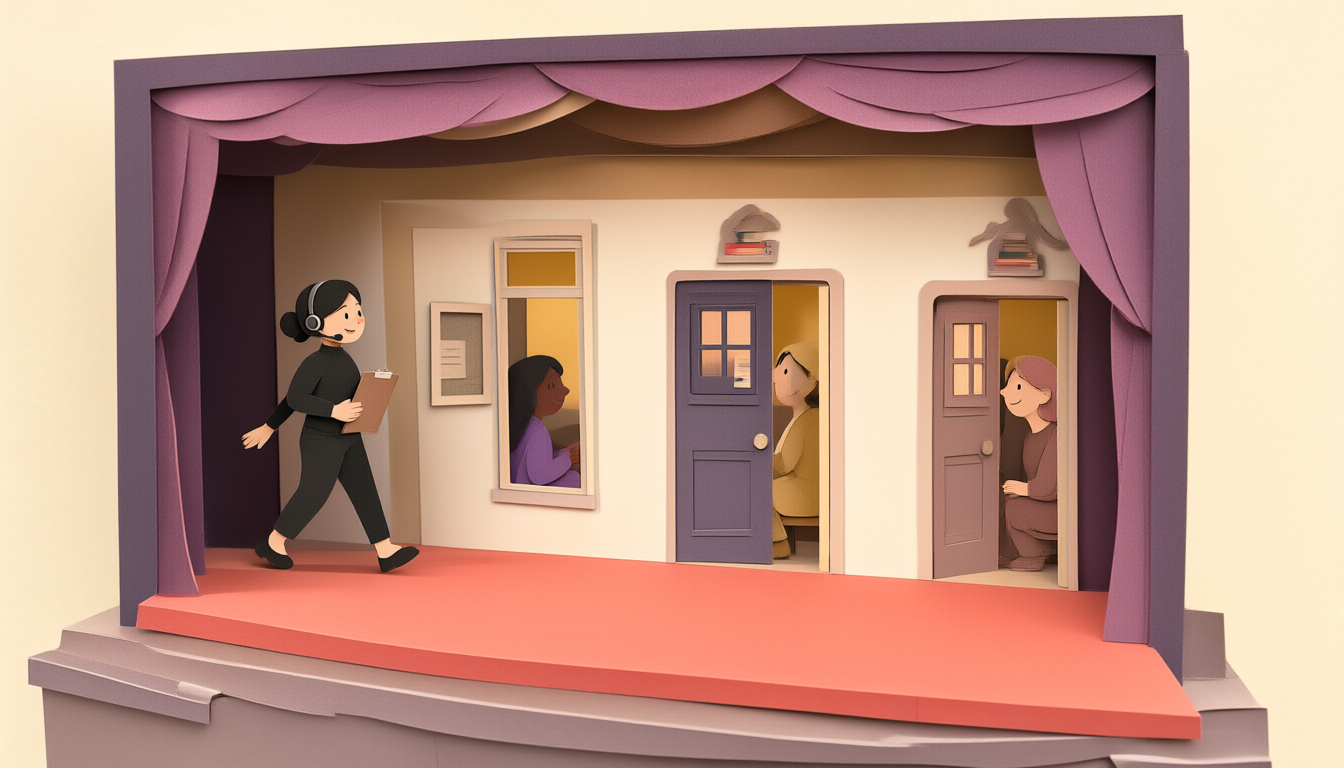
Description
A cross-section of a small theatre made of layered cut paper. In front is the stage, its floor in coral; it stands for the browser. Behind it rises a wall with three separate rooms — one seen through a window, two through doorways — and in each room stands one person: one dressed in lavender, one in gold, one in dusty rose. Priya, the stage manager, with dark hair in a low bun, a black turtleneck and a headset, walks across the stage carrying a clipboard. The picture shows one browser holding several isolated browser contexts: the rooms share one building, but each is walled off from the others, just as each context keeps its own cookies and storage and nothing passes from one test's session into another. It does not show pages or tabs, and it does not show how many tests run at once.
Playwright's answer to both problems is architectural, which is why it is worth ten minutes before you write a line.
The mechanism
Playwright is a Node library from Microsoft that drives Chromium, Firefox and WebKit through a single bidirectional connection to browsers it ships and versions itself. Two consequences matter more than the rest.
It ships the browsers. npx playwright install downloads builds pinned to
your Playwright version. The browser is a line in your lockfile, not a property
of the machine — a run on Marcus's laptop and a run on Tom's build agent are the
same run. Since Playwright 1.57 the Chromium-family browser it downloads is
Google's Chrome for Testing build rather than a raw Chromium build (headed runs
use chrome, headless runs chrome-headless-shell); 1.63 extended that to Linux
on arm64. Your tests do not change. The icon in the toolbar does.
It knows the page. Because the connection is persistent and the protocol is rich, Playwright can inspect an element's state before acting on it. Before a click it waits until the element is attached, visible, stable (not animating), able to receive events (not covered by something else) and enabled. That set of checks is called actionability (u10 takes it apart), and it is why a correct Playwright test contains no sleeps.
Three objects, three levels of isolation
const browser = await chromium.launch();          // one process
const context = await browser.newContext();       // one sealed session
const page    = await context.newPage();          // one tab in that session
- Browser — the process. Expensive: hundreds of milliseconds to start.
- Context — an isolated session: its own cookies, localStorage, permissions and cache. Cheap: milliseconds. This is the unit of test isolation.
- Page — a tab inside a context. A context can hold several.
Description
On the left is the test process — a worker of the @playwright/test runner. A single thick arrow labelled "one persistent connection" leads into a frame labelled "Browser — one process", to a box for the browser engine, marked expensive to start. From the engine, arrows lead to three highlighted boxes, Context A, B and C, each belonging to a different test (timesheet, invoice, approval) and each marked "own cookies + storage". Each context has arrows to its pages: A and C have one page each, B has two, the second marked "second tab". The scheme shows that the expensive object (the browser) is shared, while isolation lives one level down, in the contexts; pages are tabs inside a context and share its session. There are no separate driver binaries anywhere in the picture.
In the test runner you rarely write those three lines. The runner gives every
test a fresh context and page, which is why tests do not leak cookies or storage
into each other by default. A first ENGAGE test, with baseURL set in the config
(u03):
import { test, expect } from '@playwright/test';

test('an associate can open this week’s timesheet', async ({ page }) => {
  await page.goto('/timesheets');
  await page.getByRole('link', { name: 'This week' }).click();
  await expect(page.getByRole('heading', { name: 'Weekly timesheet' })).toBeVisible();
});
Three lines, no waits, and it runs on all three engines. What sits underneath matters the moment you need two people in one test — an associate who submits a timesheet and David Okonkwo, the engagement manager, who approves it:
test('the manager sees what the associate submitted', async ({ browser }) => {
  const associate = await browser.newContext({ storageState: 'playwright/.auth/associate.json' });
  const manager   = await browser.newContext({ storageState: 'playwright/.auth/manager.json' });
  const associatePage = await associate.newPage();
  const managerPage   = await manager.newPage();
  // associate submits, manager approves — u19 builds this properly
  await associate.close();
  await manager.close();
});
Two contexts, one browser: two logged-in users who cannot see each other's cookies. Two pages in one context would be the same user in two tabs.
Library and runner are two products
playwright is the automation library. @playwright/test is a test runner
built on it: fixtures, parallelism, retries, reporters, configuration. This
course uses the runner throughout. A snippet that launches a browser by hand and
closes it at the end is the library — the right shape for a script, usually the
wrong one for a suite, where fixtures already own lifetime and artifacts.
The AI tooling around it
Playwright in 2025–26 also ships tooling for AI coding assistants. Since 1.56,
npx playwright init-agents generates three Test Agent definitions for your
assistant (VS Code, Claude Code or opencode): a planner that explores the app
and writes a Markdown test plan, a generator that turns the plan into test
files, and a healer that runs the suite and tries to repair failing tests.
Since 1.62 the Playwright MCP server — which lets an assistant drive a browser
through Playwright — is bundled and runs as npx playwright mcp. Everything
they produce is ordinary Playwright code, and everything in this course is how
you judge it. u04 shows where they sit among the debugging tools; u27 covers
reviewing their output on an engagement.
The cost
Be honest about this in front of a client:
- You are buying into Node. If the engagement's tooling is Java or C#, Playwright has bindings, but the ecosystem, the examples and the runner features are strongest in TypeScript. Mixing stacks has a real support cost.
- Browsers are large. Hundreds of megabytes per engine. Air-gapped or bandwidth-limited build agents need a cache strategy or a container (u25).
- Auto-waiting fixes one cause of flakiness, not all of them. A suite that shares a test account across parallel workers will be flaky in Playwright exactly as it was before.
- The framework will not save a bad locator. Everything downstream depends on element queries that survive a redesign. That is u07, the highest-leverage hour in the course.
- Generated tests arrive faster than understanding. A healer that turns a red test green has either fixed the test or hidden a product fault. Someone on the team has to be able to tell which.
What you now know
Playwright removes sleeps by knowing the page state through one persistent connection, and removes driver churn by shipping pinned browsers — Chrome for Testing builds for the Chromium family since 1.57. The browser is the expensive process; the context is the cheap, sealed session that isolates one test from another; pages are tabs inside a context. The runner hands every test its own context. The AI tooling writes Playwright code faster; it does not make that code correct.