
The bug that closed itself
An Aldervane consultant logs eight hours against the Nordvale audit engagement. The timesheet screen shows the entry. The weekly summary shows eight hours. The consultant is satisfied, the tester marks the case passed, and three weeks later the engagement manager reports that Nordvale was under-billed by eight hours.
Nothing on the screen was wrong. The row in TimeEntries had been written with EngagementId pointing at a closed engagement, and the billing job skips closed engagements. Every layer above the database was consistent, and every layer above the database was reporting the same wrong thing.
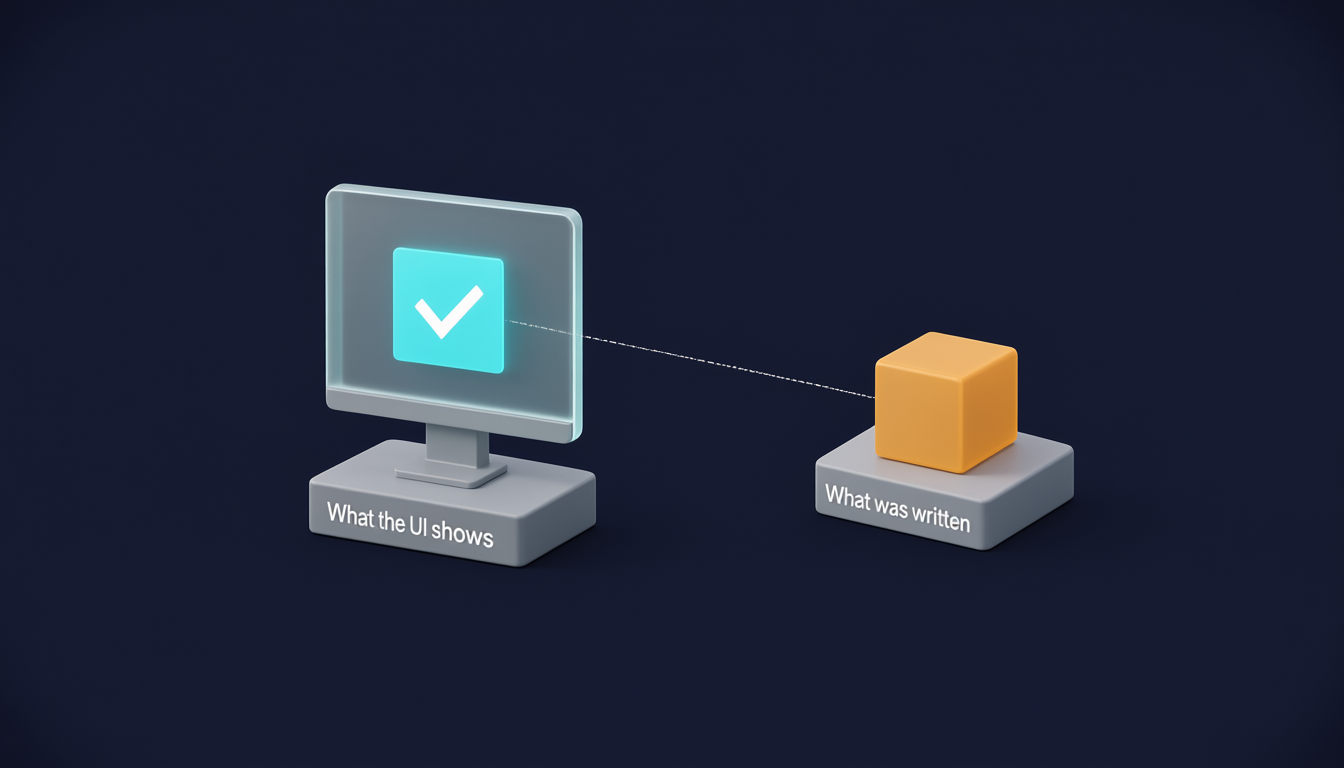
Description
An isometric scene on a dark navy background. On the left, a frosted-glass monitor displays a glowing turquoise square with a white check mark; its stand is labelled "What the UI shows". A thin dashed line runs from the screen to the right, to a grey pedestal carrying one amber cube, labelled "What was written". The point: the screen reports a success, while the row behind it is the suspect one — here, a time entry attached to a closed engagement. The dashed line is the only connection the tester has between the two, and the only way to follow it is a query.
This is the situation the course exists for. The interface can only tell you what the interface believes. When you need to know what the system actually recorded, there is exactly one place to look.
Four moments
Across a test cycle a query is the only available evidence at four points.
Before the test — arranging state. You need an engagement in a specific condition: approved, partially invoiced, with one expense claim still pending. Clicking your way to that state through the UI takes twenty minutes and is not repeatable. A setup script takes seconds and produces the same state every run.
After the action — verifying the write. The application says it saved. You check what it saved: which table, which columns, which values, and — usually the interesting part — which columns it left at their defaults when it should not have.
During investigation — finding the shape of the defect. A bug report says "sometimes duplicate invoice lines appear." A query over InvoiceLines grouped by engagement and line description turns "sometimes" into "on 14 engagements, all created after the March release, all with a rate change mid-period."
During reconciliation — proving nothing was lost. A migration moves three years of time entries into TimeEntries from StagingTimeEntries. Nobody can check 400,000 rows by hand. Row counts, sum of hours, and a set difference can.
Description
Stages left to right: Arrange state, Act through the UI or API, Verify the write, Investigate a defect; a dashed branch from Verify, labelled "many rows", leads to Reconcile a bulk operation. The Act stage has a dotted note: the interface reports what the interface believes. Four database cylinders feed evidence into four stages, in the accent colour: a setup script into Arrange; one known row with known values into Verify; find what the bad rows share into Investigate; counts, totals and set difference into Reconcile. Act is the only stage with no database cylinder of its own.
The four differ in what you already know. Arranging: you know the target and are building it. Verifying: you know exactly which row and which values to expect. Investigating: you do not yet know what the bad rows have in common. Reconciling: you cannot inspect the rows individually at all, so you compare populations instead.
Write the question, then the query
The most expensive mistake in this discipline is not a syntax error. Syntax errors announce themselves. The expensive mistake is a query that runs cleanly, returns plausible rows, and answers a question nobody asked.
A tester writes:
SELECT * FROM TimeEntries WHERE EngagementId = 4821;
Rows come back. The tester concludes the time was logged. But the verification question was not "are there time entries for this engagement" — it was "was the entry I just submitted stored with the hours, date and rate I submitted, and attached to an open engagement." Those are different questions, and only one of them was asked.
So the habit, from the first unit: state the verification question in one sentence, in words, before writing any SQL. Then write the query that answers that sentence and nothing else. When the query comes back and you are about to declare a pass, read your sentence again and ask whether the result actually settles it.
A useful sentence has three parts — which rows, which values, and what would count as a failure. "Exactly one row in TimeEntries for staff 331 on 2026-03-14, with Hours = 8.0 and EngagementId pointing at an engagement whose Status is Open; zero rows, more than one row, or a closed engagement is a failure."
That sentence is longer than the query it produces. That is normal and it is the point.
Read-only is the default
You are working in an environment other people are also using. A colleague is mid-regression on the same schema. Assume, always, that your session is not alone.
The default posture is: read. SELECT cannot corrupt anyone's afternoon.
Three situations justify leaving that default, and each carries an obligation.
Arranging state you cannot arrange through the UI. Obligation: know how to undo it, and undo it.
Reproducing a defect that requires data in an impossible condition — an invoice line with a null rate, a timesheet dated before the engagement started. Obligation: the same, plus a note to whoever owns the environment.
Cleaning up after your own test run. Obligation: target only what you created, by an identifier you control.
Everything outside those three is somebody else's job. If a fix requires an UPDATE on production-like data, that is a change request, not a test step — and the fact that you have the permission to run it is not the same as having the authority.
The mechanics of leaving the default safely — explicit transactions, running the SELECT before the DELETE, what ROLLBACK does and does not undo — are unit 3. Until you have read it, stay on SELECT.
Before you run anything: client data does not leave the environment
Every query in this course is written against ENGAGE, a fictional system belonging to a fictional firm. On a real engagement, the rows you select are client-confidential — fees, staff rates, unbilled time, sometimes the client's own operational data that arrived under an audit mandate.
Those rows do not go into an AI assistant, a public SQL formatter, a pastebin, a screenshot in a group chat, or a ticket comment. Not to get help with the query. Not because the tool promises not to train on it.
When you need help with a query, two things travel safely: the query without its results, and the problem restated over invented values. Both are almost always enough — the difficulty is nearly never in the data. Unit 22 works through the harder cases: what counts as sufficiently anonymised, what to attach to a defect report, and where the line falls with a locally hosted model.
What ENGAGE looks like
You will meet the schema properly in unit 2. For now, the shape of it:
Clients and Engagements at the top — a client has many engagements, an engagement has a status and a date range. Staff are people; TimeEntries link a staff member to an engagement on a date, with hours and a rate. Approvals record who signed off on what and when. Invoices and InvoiceLines turn approved time and ExpenseClaims into money. AuditLog records changes to any of it. StagingTimeEntries is where a legacy migration lands before anything trusts it, and ArchivedTimeEntries holds entries from before 2024 in the same shape as TimeEntries.
Eleven tables, one firm, and every defect in this course lives somewhere inside them.
The cost
SQL gives the tester direct evidence, which is the strongest kind. The price is that direct evidence is unforgiving of imprecise questions. A UI check that asks the wrong question usually looks odd on screen. A query that asks the wrong question returns a tidy result set and a false sense of having verified something.
Everything that follows is, in one way or another, about that gap.